Permissions
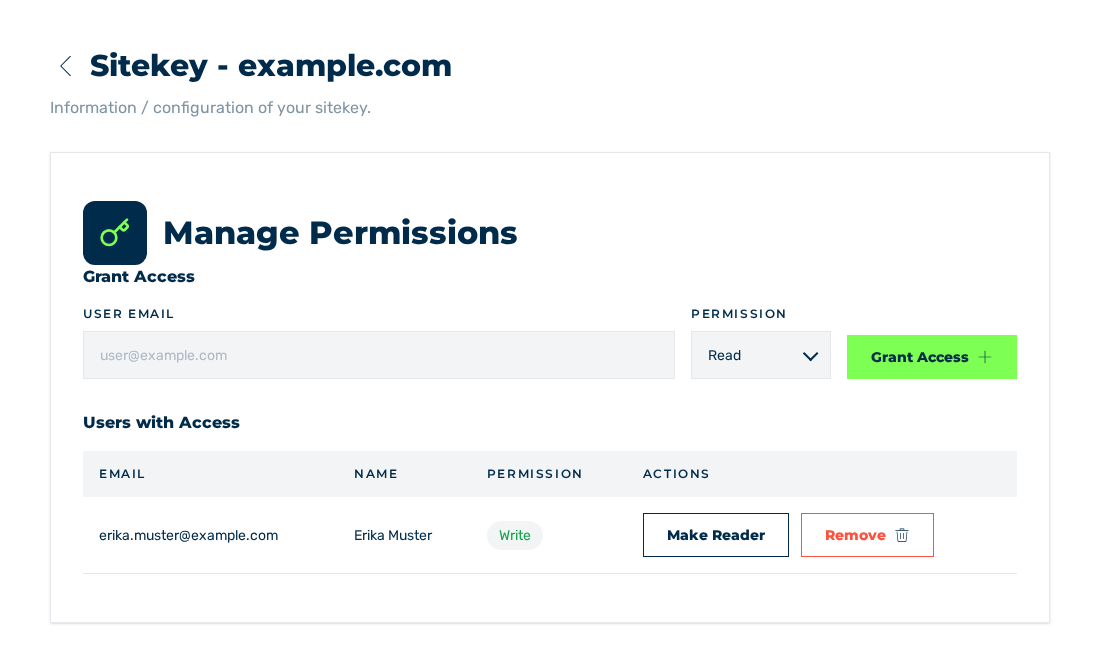
Permissions view
Below the Manage Permissions title, the Permissions view controls which other accounts get access to this sitekey. The access is applicable to one sitekey.
The Permissions view and the assignment of access rights
Grant Access area
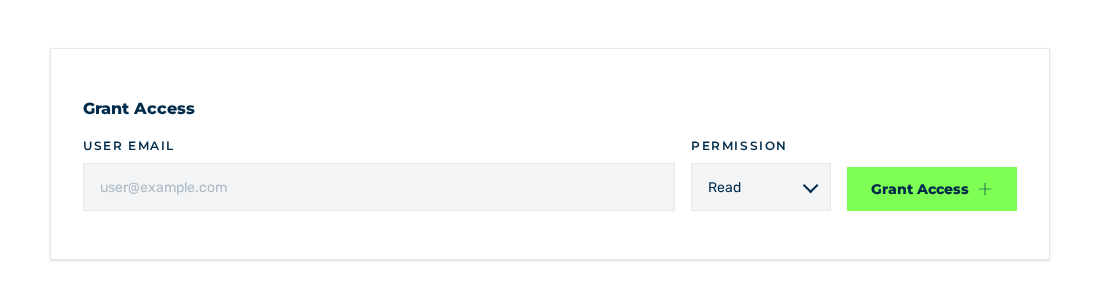
Grant Access area
The Grant Access area gives the access. It contains these elements:
| Element | Description |
|---|---|
| User Email field | Account email address, placeholder user@example.com |
| Permission drop-down list | Read or Write access tier, set to Read initially |
| Grant Access button | Gives the access |
If the User Email field stays empty, the Email is required note is shown above the form.
Users with Access area
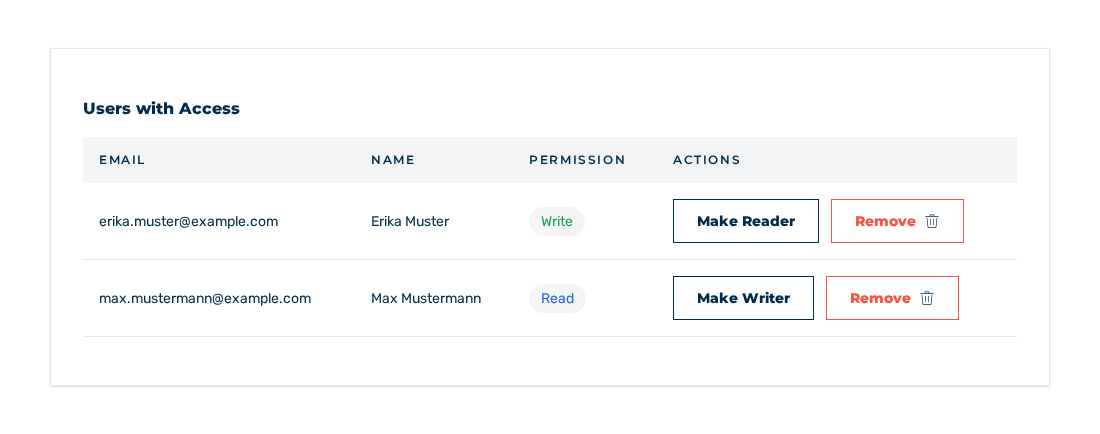
Users with Access area
The Users with Access area lists the accounts with permission. The table contains the following columns:
| Column | Contents |
|---|---|
| Account email address | |
| Name | Name of the account. Without a name, a hyphen is shown. |
| Permission | Read or Write access tier |
| Actions | The Remove button and the button for the other access tier |
The Actions column shows only the button for the other access tier. For the Read tier, this is the Make Writer button. For the Write tier, this is the Make Reader button.
While no other account has permission, the table shows the No users have been granted access note.
Access tiers
These access tiers are available:
| Tier | Rights |
|---|---|
| Read | The sitekey and its settings are visible. Changes are locked. |
| Write | The sitekey and its settings are visible and can be changed. |
Dialogs
Each action opens a dialog for the confirmation:
| Dialog | Question |
|---|---|
| Remove Permission | Are you sure you want to remove access for …? |
| Change to Write and Change to Read | Change permission for … from … to …? |
The two dialogs contain the Cancel and Confirm buttons.
After the confirmation, one of these messages is shown:
| Operation | Message |
|---|---|
| Access given | Permission granted |
| Access tier changed | Permission updated |
| Access removed | Permission revoked with the User access has been removed text |