Testing the integration
The Integration Test view examines if the widget loads on your page, and if your server verifies the token. The test names the two parts separately. Thus you can see which part is missing.
Verification of the integration in the customer portal
The following requirements are met:
- ☑ You embedded the widget in your website. See Embedding the widget.
- ☑ You can open the protected page and send the form during the test.
The test examines only the activity after its start. It runs in two steps and waits a maximum of 60 seconds for each step. Thus, do the two steps while the test is in operation.
Proceed as follows to test the integration:
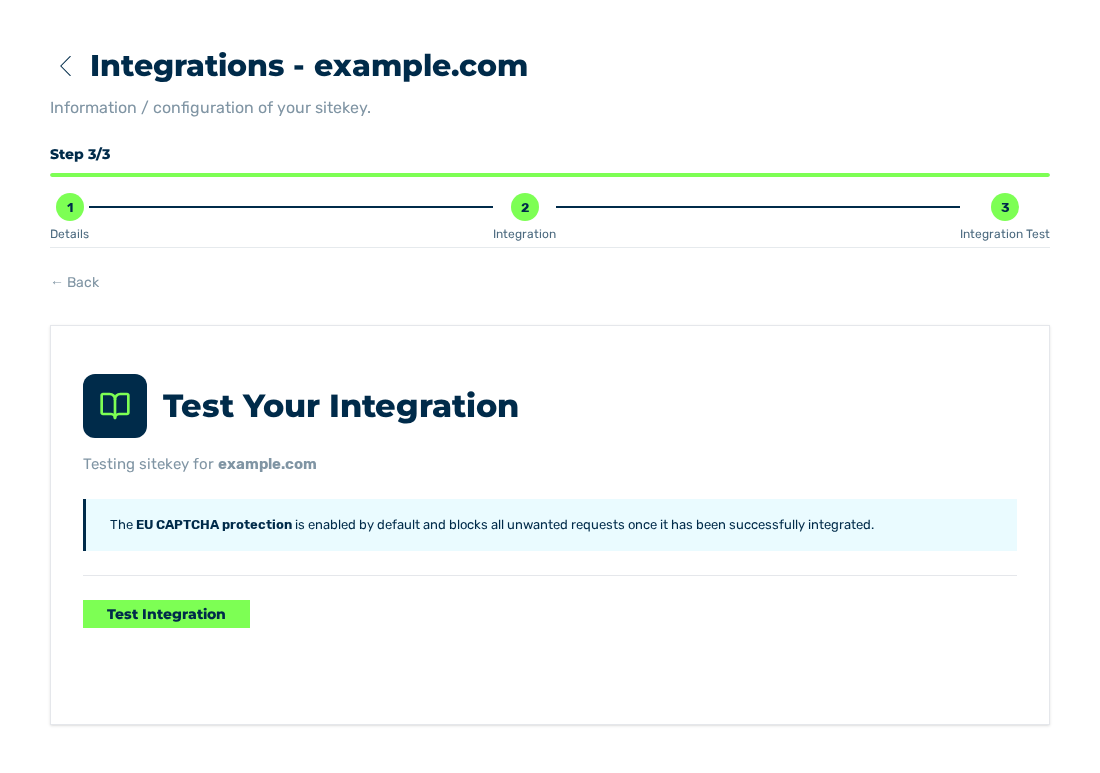
Integration Test view
- ► Open the sitekey and go to the Integration Test view.
- ► Click on the Test Integration button.
- ↳ The 1. Widget detected step waits for the widget.
- ► In a second window, open the protected page and wait until the widget solves the challenge.
- ↳ The 1. Widget detected step is successful, and the 2. Backend verifies token step waits for your server.
- ► Send the form on the protected page.
- ➔ The system shows the result of the test.
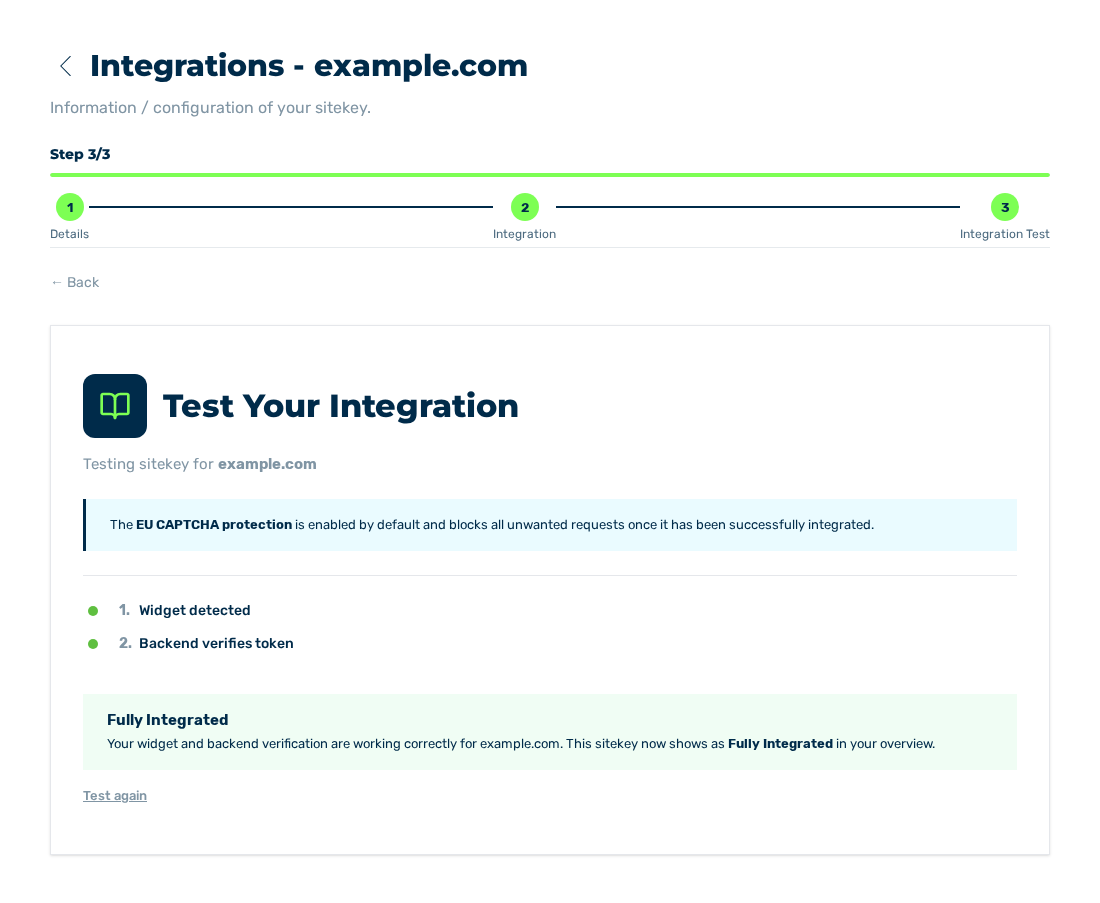
Integration Test view with the result Fully Integrated
To do the test again, click on the Test again button below the result.
The result has one of these values:
| Result | Meaning | Measure |
|---|---|---|
| Fully Integrated | The widget loads, and your server verifies the token. | None. The integration is complete. |
| Widget is working but your server didn't verify the token. | The widget loads, but the server-side verification is missing. | Add the call of the /verify endpoint. See Embedding the widget. |
| Widget not detected. | The widget does not load. | Examine the script element and the element with the eu-captcha class. |
Functional test in operation
Also examine the sequence from the view of a visitor:
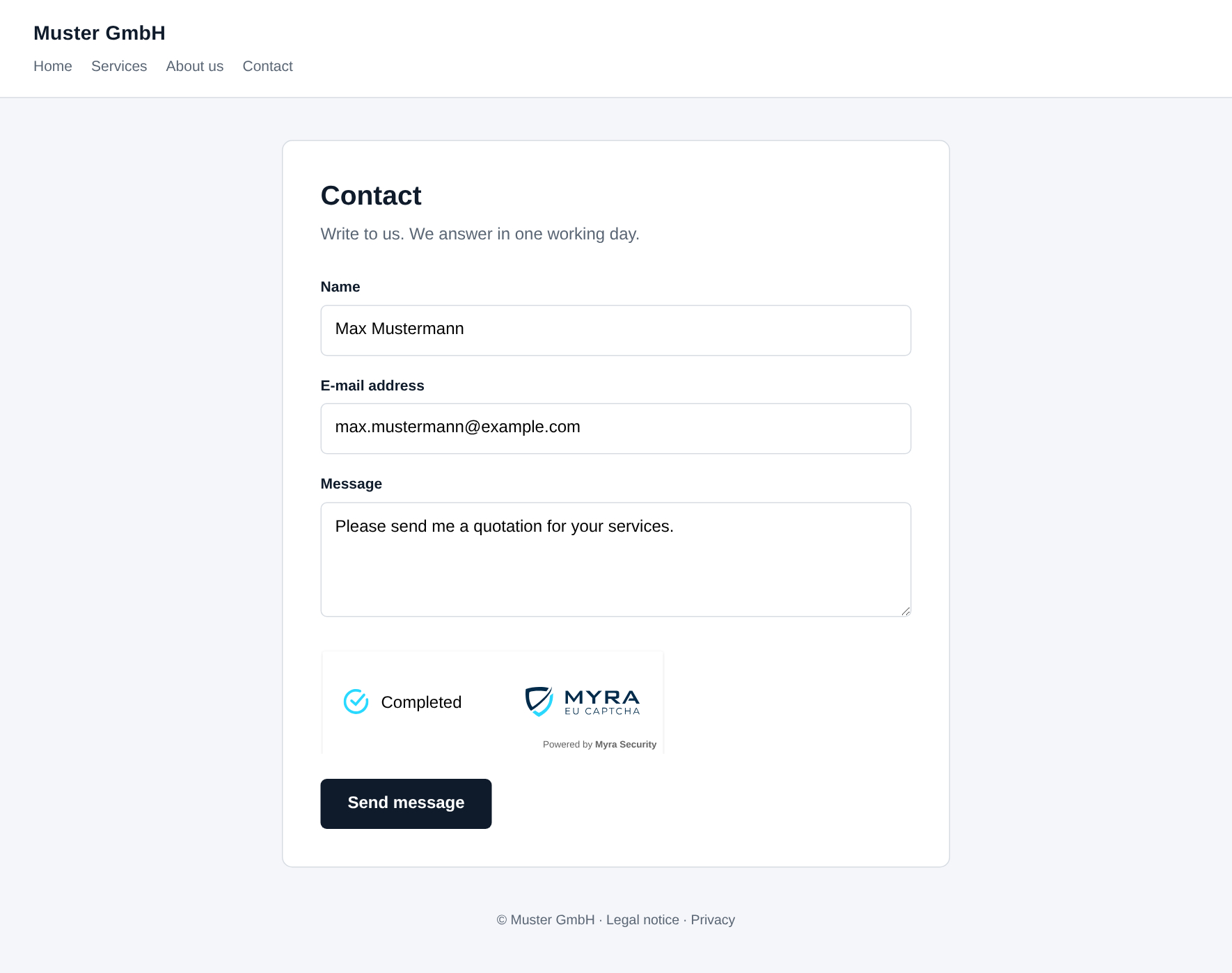
Protected form on the website of the customer
- ► Open the protected form.
- ► Send the form.
- ↳ The widget solves the challenge in the background. The system processes the form.
- ► In the customer portal, open the Challenges view of the sitekey.
- ➔ The list contains an entry for the challenge that was solved.
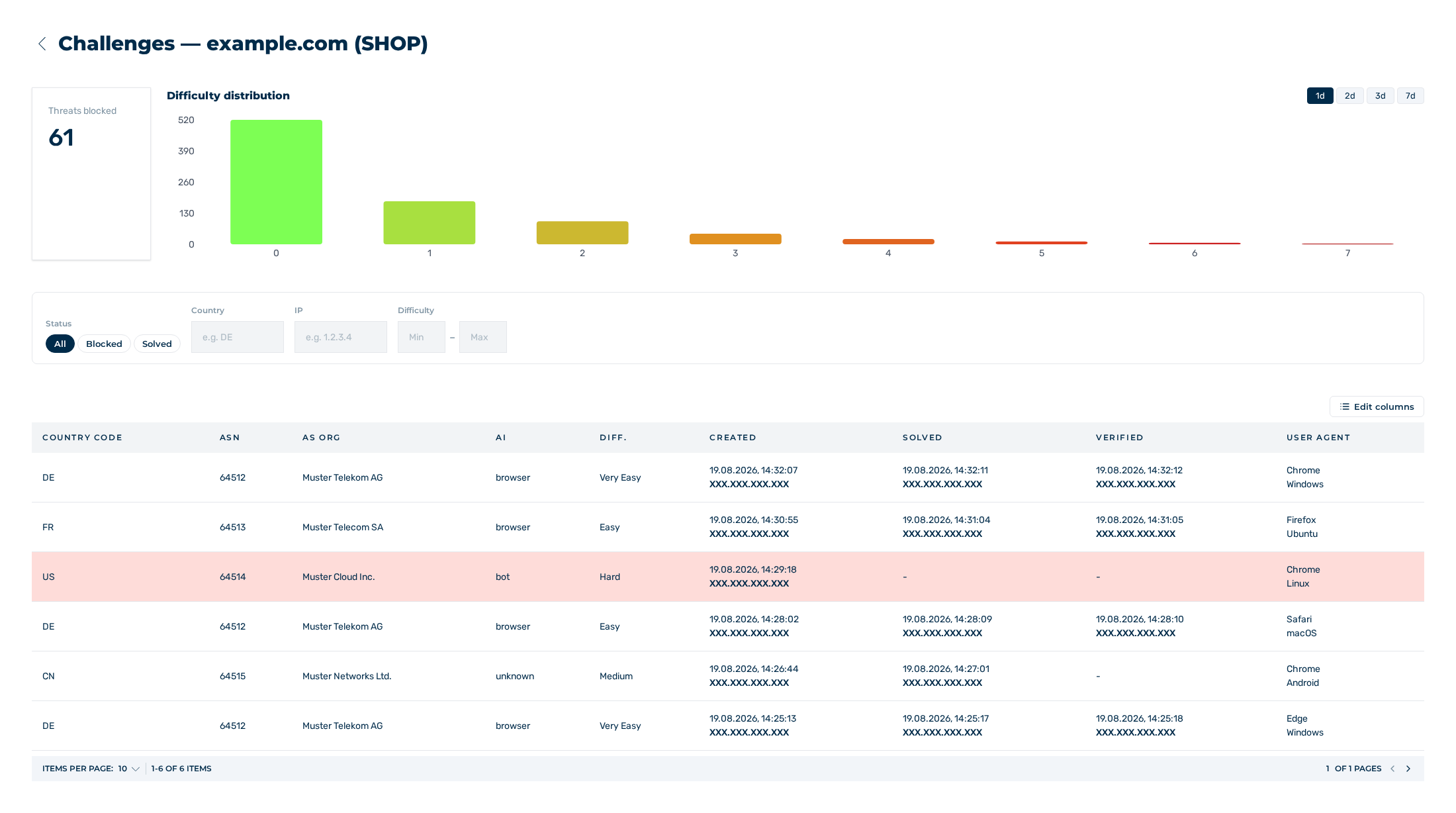
Challenges view
See Challenges view.
After the setup
The sitekey is ready for use. The following steps are useful, but not mandatory:
| Step | Description | Described in |
|---|---|---|
| Configure the sitekey | Set the difficulty, the delay, the parallel challenges and the EU CAPTCHA Protection switch. | Configuring a sitekey |
| Grant access | Give other accounts read or write access to the sitekey. | Grant access to a sitekey |
| Monitor the traffic | Examine the challenges and their results for each sitekey. | Challenges view |
| Book a plan | Select a plan before the end of the trial period. | Trial period |
Attention
While the EU CAPTCHA Protection switch is set to Off, the widget receives only a challenge of the lowest difficulty, and the verification API answers with train: true and accepts every request. The integration test can then be successful although no protection is in place. The Integration Test view shows a notice about this above the Test Integration button. Set the switch to On before the productive operation.