Inviting a member
You invite other persons into your organization. The account that was invited gets an e-mail and confirms its admission with it.
The following requirements are met:
- ☑ Your account has the Org Admin role.
- ☑ You know the e-mail address of the person to invite.
Proceed as follows to invite a member:
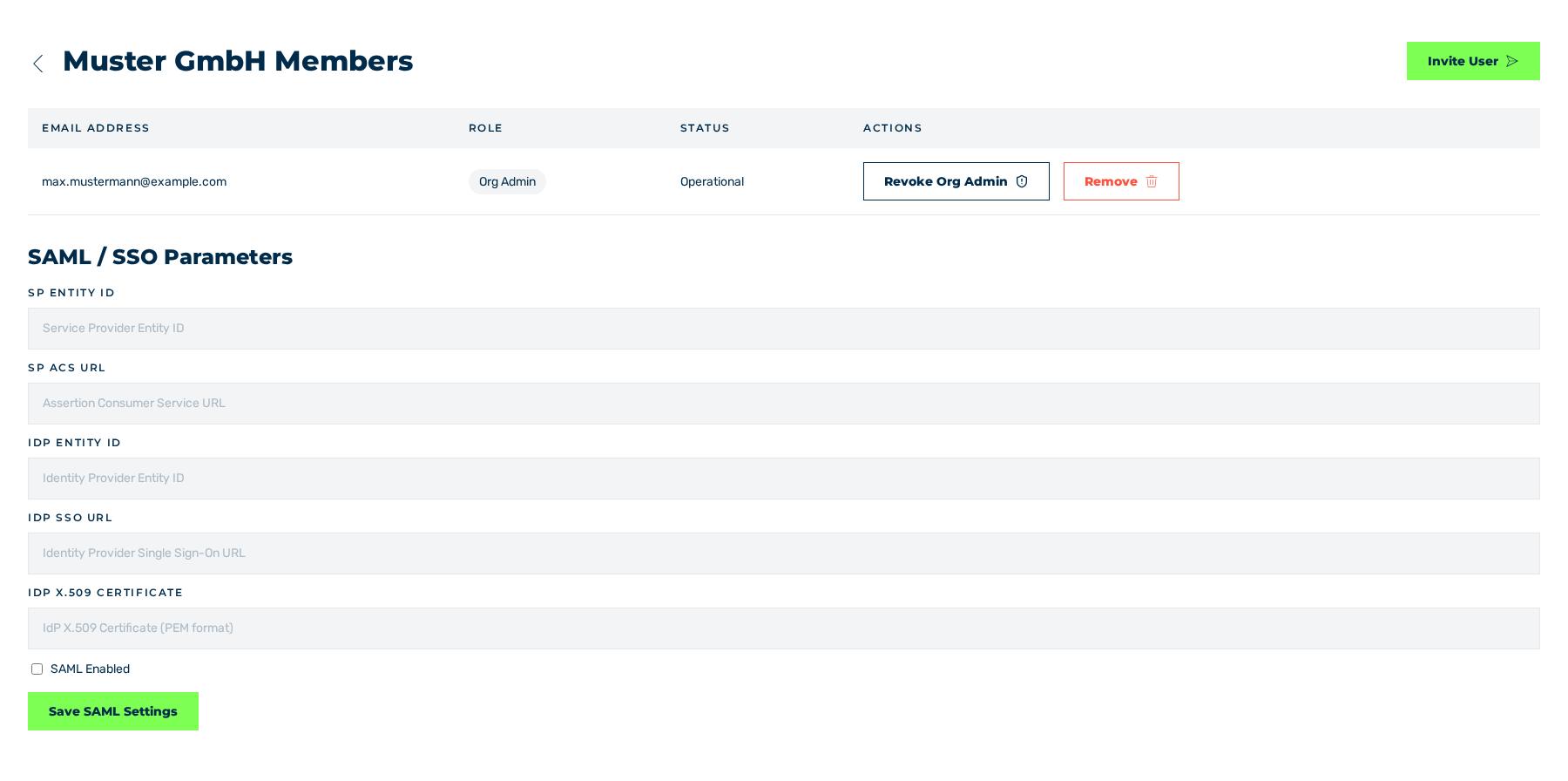
Organization view
- ► In the sidebar, open the Account › Profile entry and click on the Manage Members button in the Organization area.
- ► Click on the Invite User button.
- ↳ The Invite User dialog is shown.
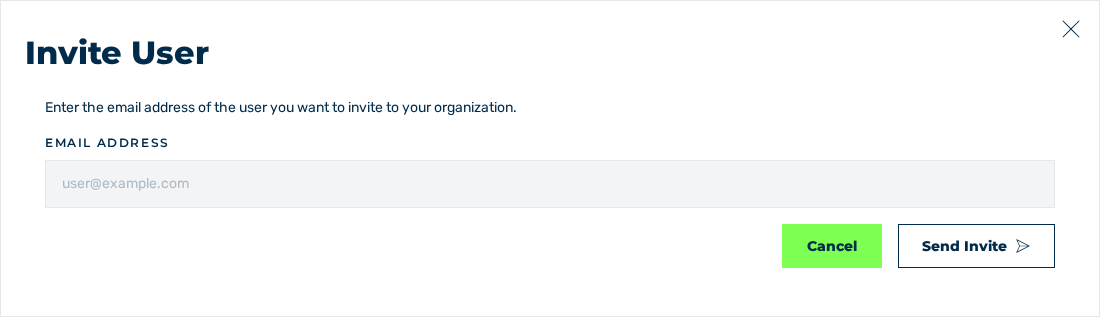
Invite User dialog
- ► In the Email address field, enter the e-mail address.
- ► Click on the Send Invite button.
- ➔ The system sends the invitation and shows the Invitation sent. message. The entry is shown in the table with the Pending Verification status.
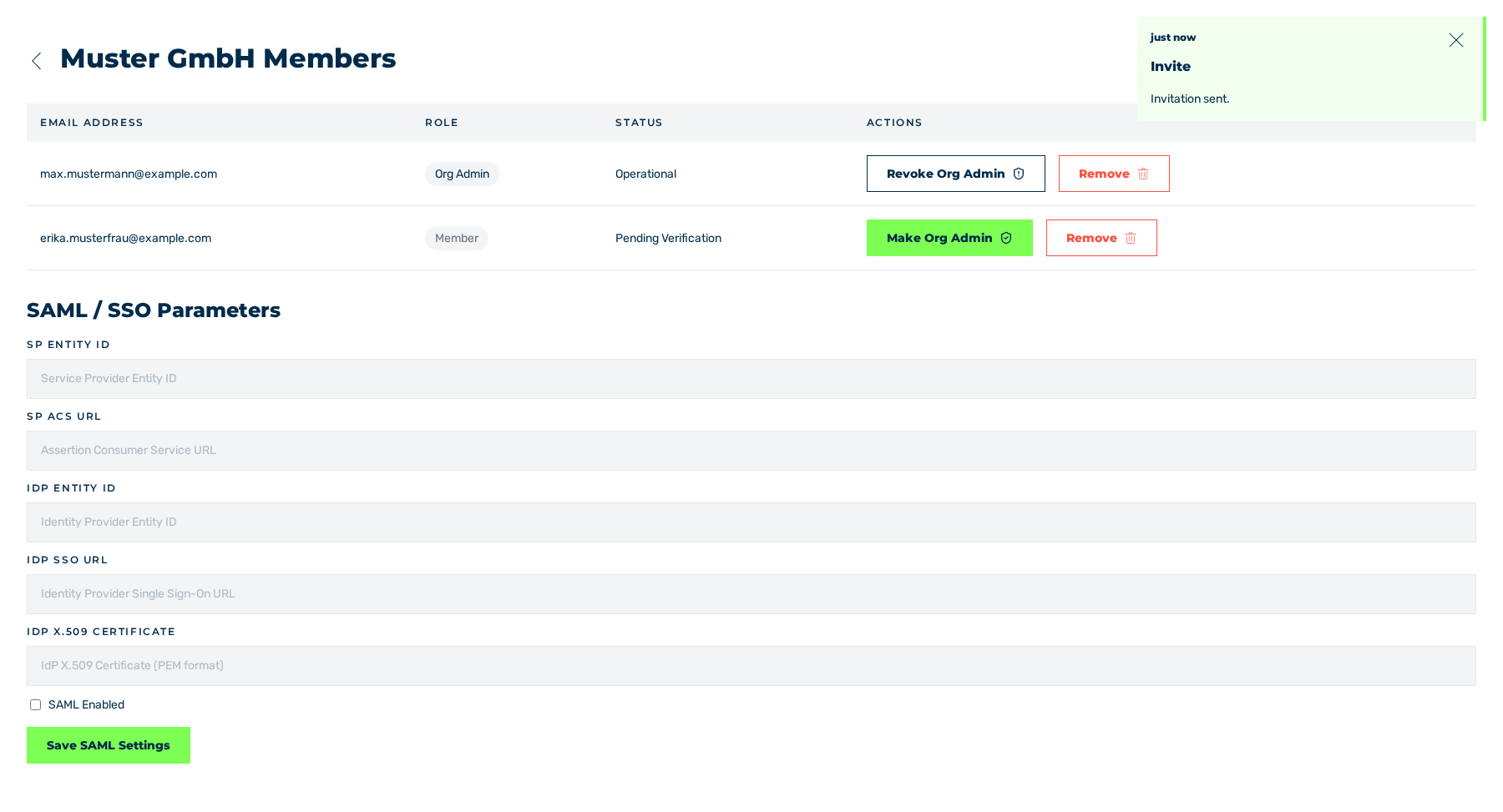
Organization view with the new entry
As soon as the person confirms the invitation, the status changes to Operational. The invitation creates an account without a password. After the confirmation, the person sets the password with the password reset on the login page. See Reset password.
If the e-mail address already belongs to an account of the customer portal, then the system adds the account to the organization immediately and shows the User added to organization. message. The entry is shown in the table with the Operational status. The account gets an e-mail with the subject You have been added to an organization on EU Captcha.
See Organization view.