Profile tab
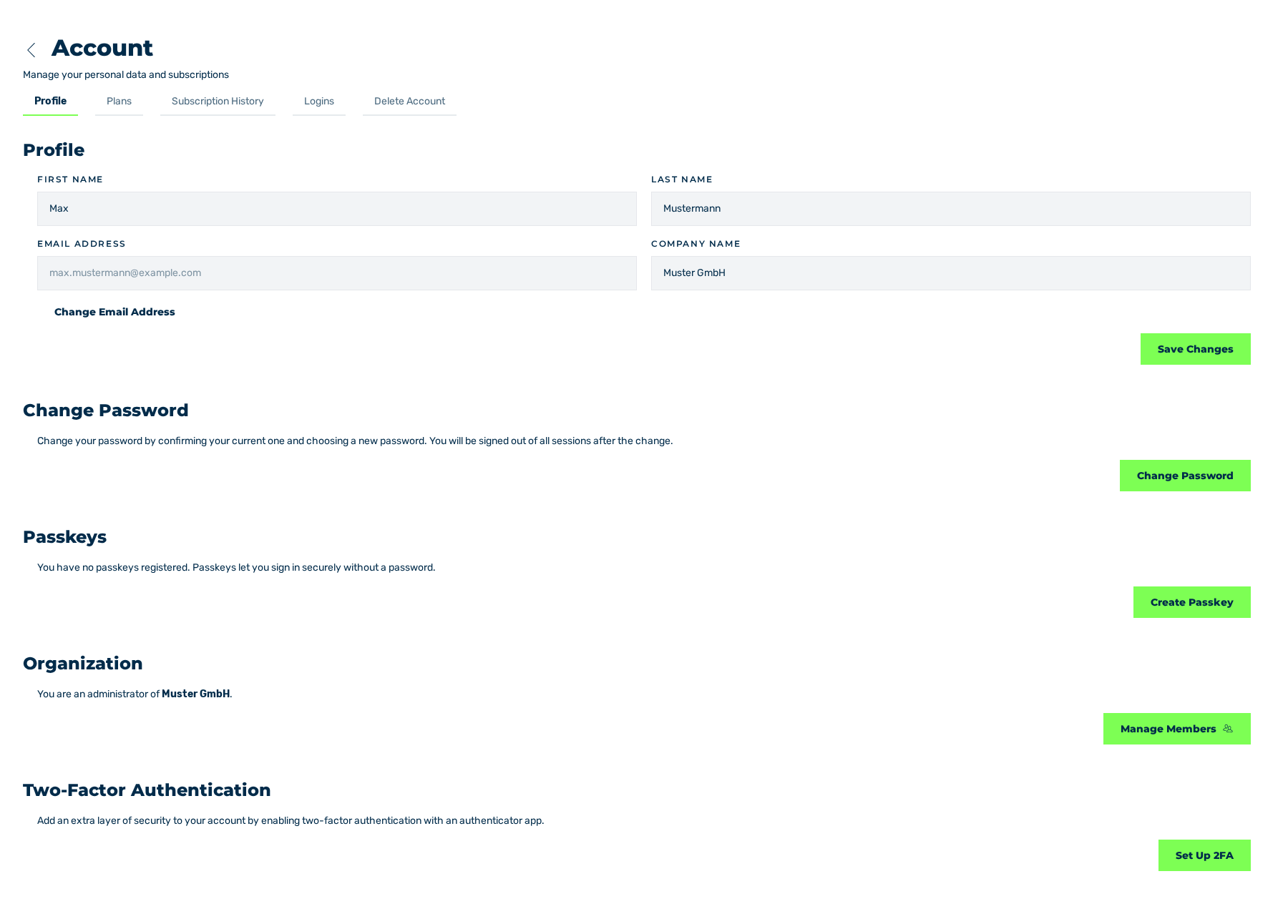
Profile tab
The Profile tab contains your personal data and the settings for the security of your account.
The Profile tab and its settings
Profile area
These fields are available:
| Field | Contents |
|---|---|
| First name | First name |
| Last name | Last name |
| Email address | E-mail address of the account. The field is disabled. |
| Company name | Name of the company |
The Save Changes button applies the changes. The Change Email Address button opens the dialog with the same name.
Change Password area
The area describes the change of the password. The Change Password button opens the dialog with the same name. After the change, the system signs you out of all sessions.
Passkeys area
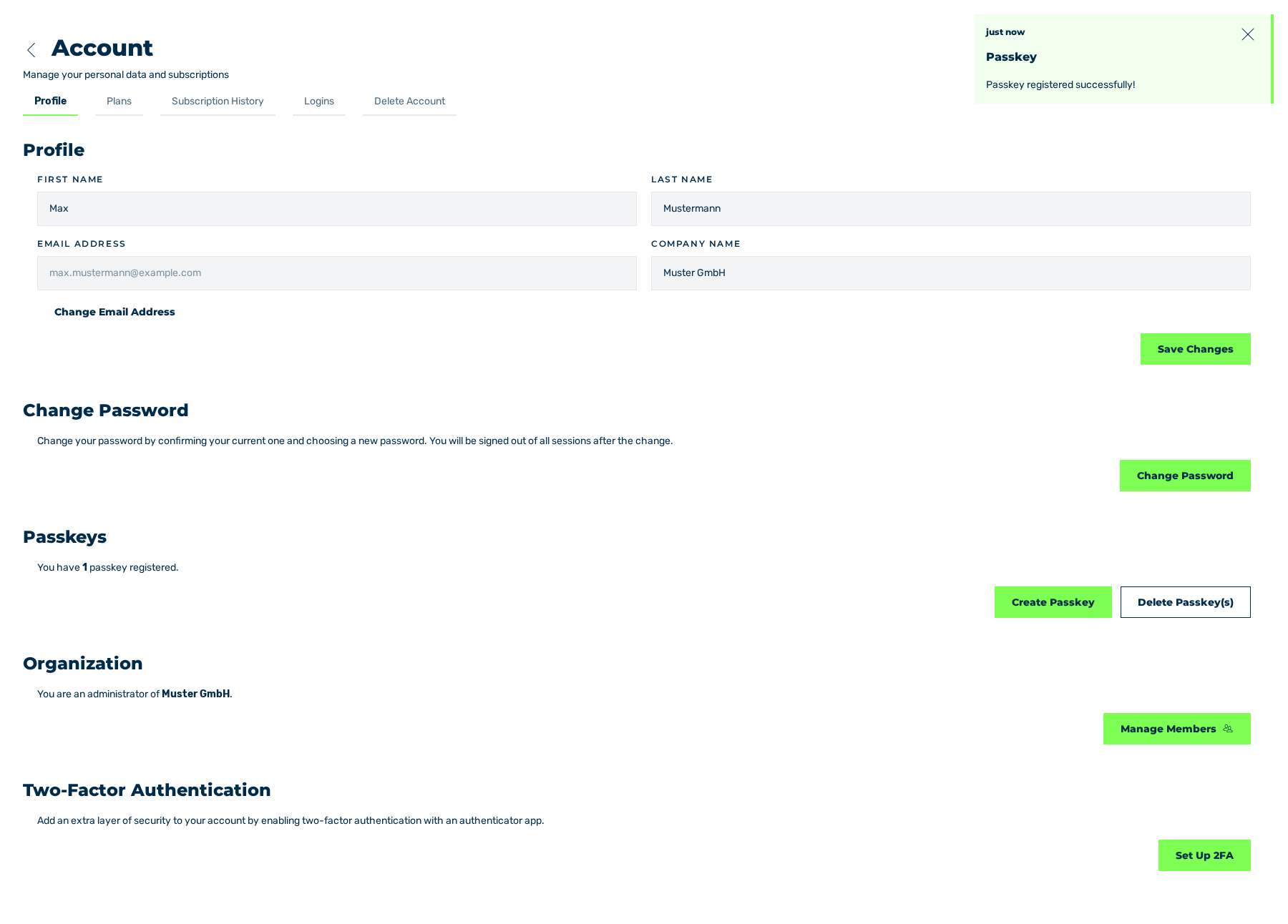
Profile tab with a passkey that was registered
The area gives the count of the passkeys that are registered. These buttons are available:
| Button | Effect |
|---|---|
| Create Passkey | Registers a passkey for the login without a password. |
| Delete Passkey(s) | Deletes the passkeys that are registered. The button is shown only after the first passkey. |
Organization area
The area is shown only when you are an Org Admin of an organisation. It gives the name of the organisation. The Manage Members button opens the management of the members.
Two-Factor Authentication area
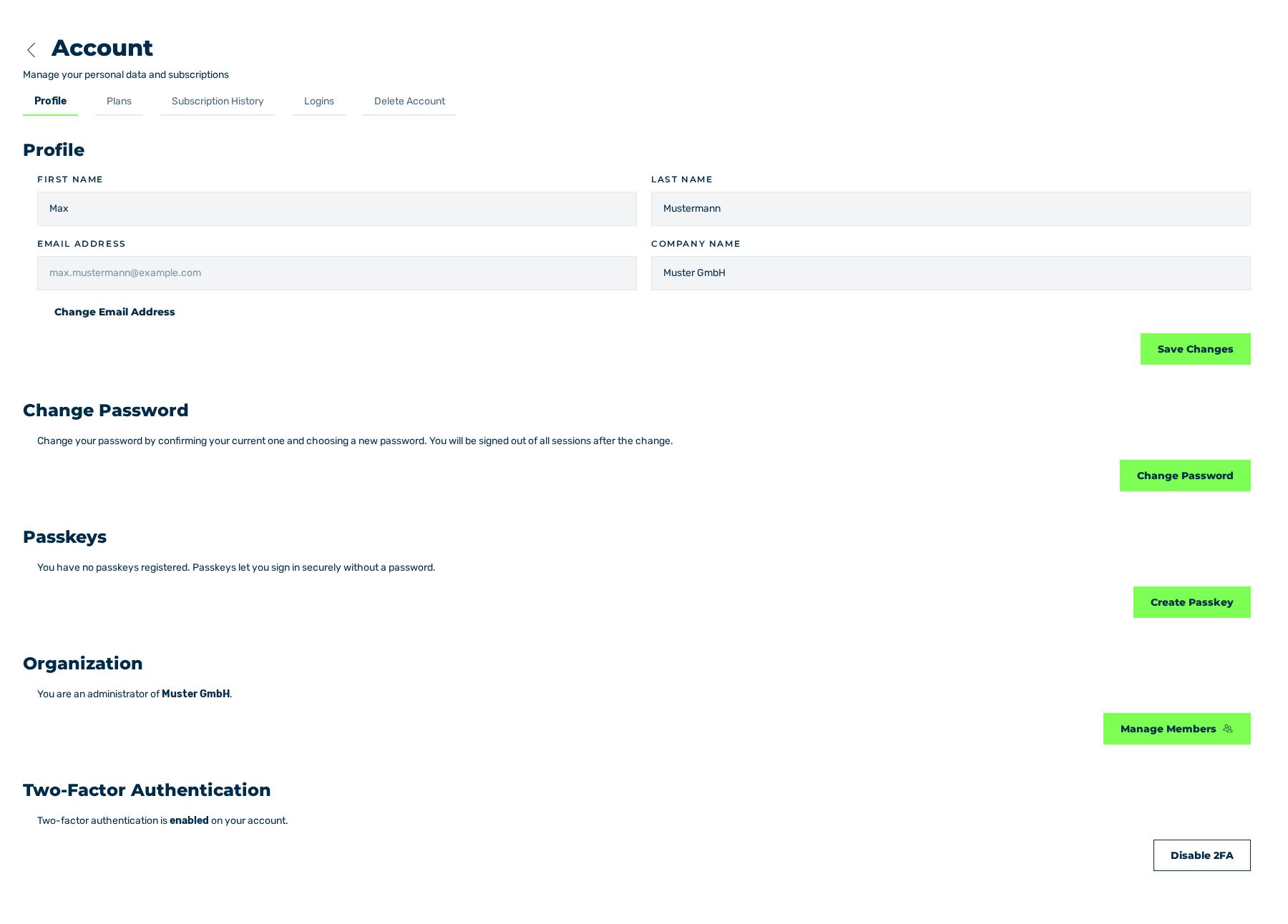
Profile tab with the two-factor authentication activated
The area gives the condition of the two-factor authentication. These buttons are available:
| Button | Effect |
|---|---|
| Set Up 2FA | Starts the set-up of the two-factor authentication. |
| Disable 2FA | Opens the Disable Two-Factor Authentication dialog. |
Messages
The portal confirms the operations with these messages:
| Message | Cause |
|---|---|
| User update — OK | The changes in the Profile area were saved. |
| Password changed — Your password was changed. Please sign in again. | The password was changed. |
| Email change requested — Check your current inbox to confirm the change. | The change of the e-mail address was requested. |
| Passkey — Passkey registered successfully! | A passkey was registered. |
| Passkey — All passkeys have been deleted. | All passkeys were deleted. |
| 2FA — Two-factor authentication has been disabled. | The two-factor authentication was deactivated. |
See Change the password.