Revoke the access to a sitekey
You revoke the access of an account to a sitekey. The sitekey itself continues to exist.
The following requirements are met:
- ☑ You are the owner of the sitekey.
- ☑ The account has permission.
Proceed as follows to revoke the access:
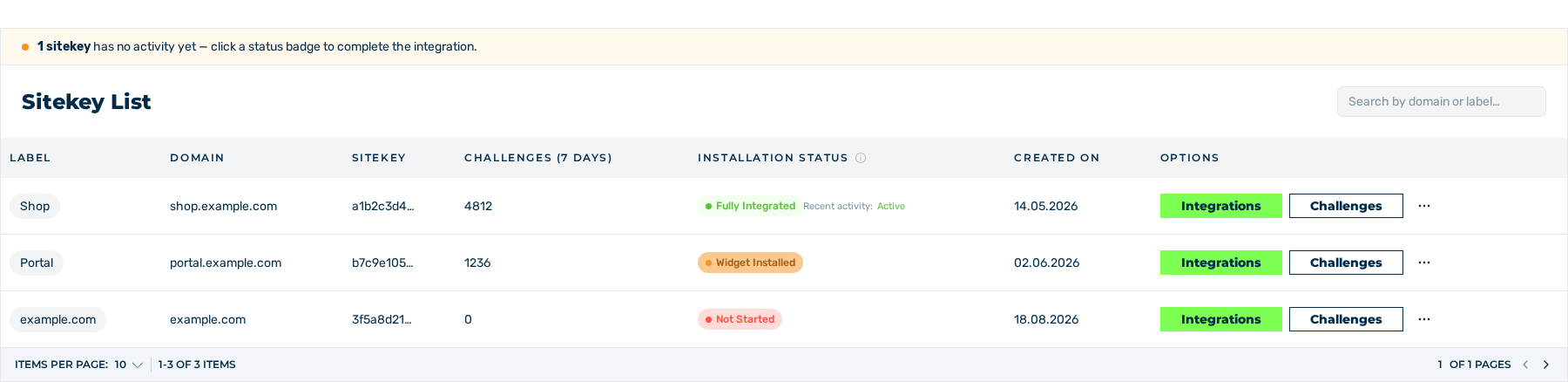
Sitekey List area
- ► Open the Dashboard view and go to the Sitekey List area.
- ► In the row of the sitekey, click on the button with the three dots in the Options column.
- ► In the menu, click on the PERMISSIONS entry.
- ↳ The Permissions view opens.
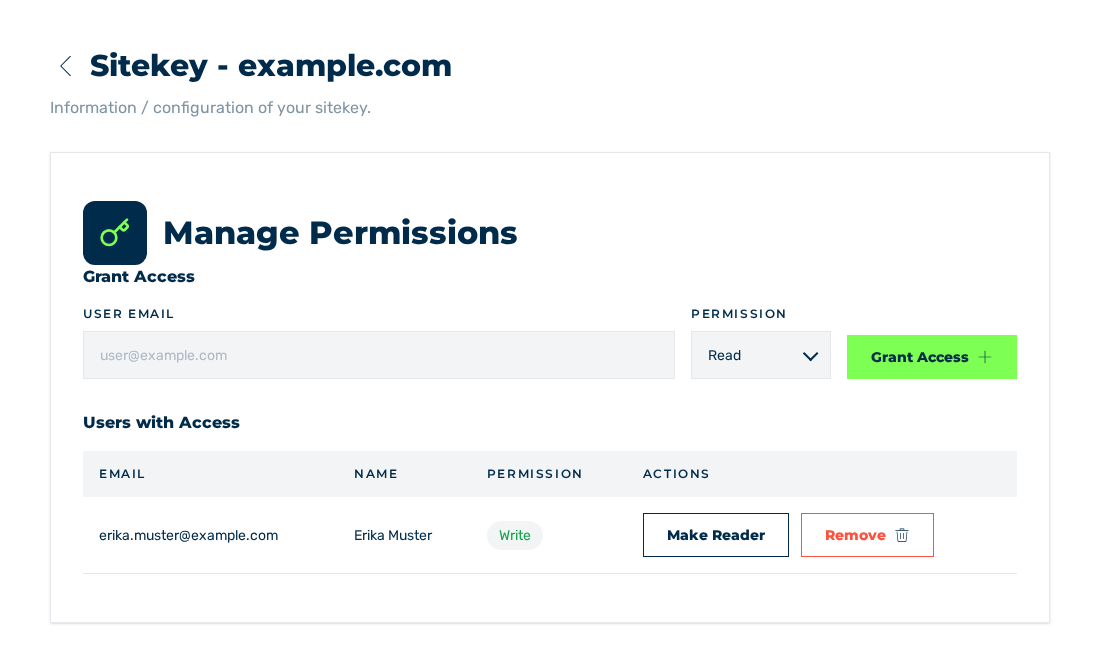
Users with Access area
- ► In the Users with Access area, click on the Remove button in the row of the account.
- ↳ The Remove Permission dialog is shown. The question names the e-mail address of the account.
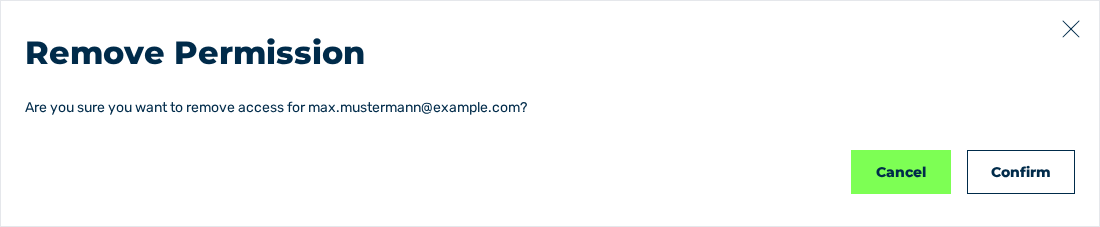
Remove Permission dialog
- ► Click on the Confirm button.
- ➔ The system revokes the access and shows the Permission revoked message. The entry is removed from the list.
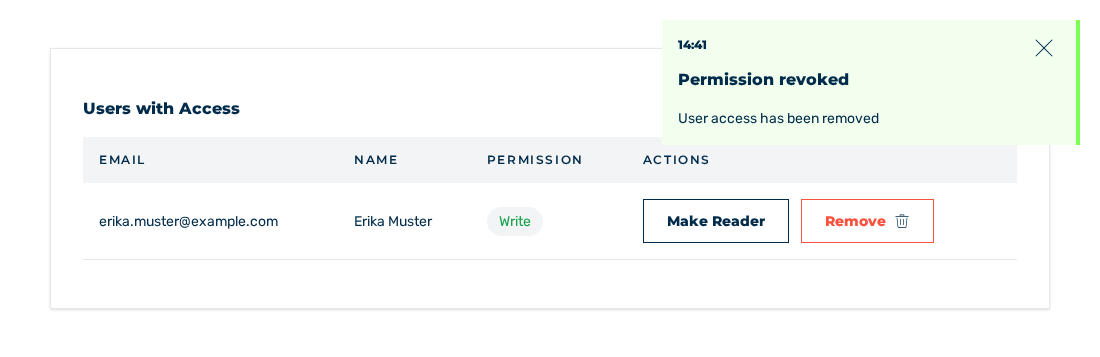
Users with Access area without the entry
To stop the operation, click on the Cancel button in the dialog.