Help
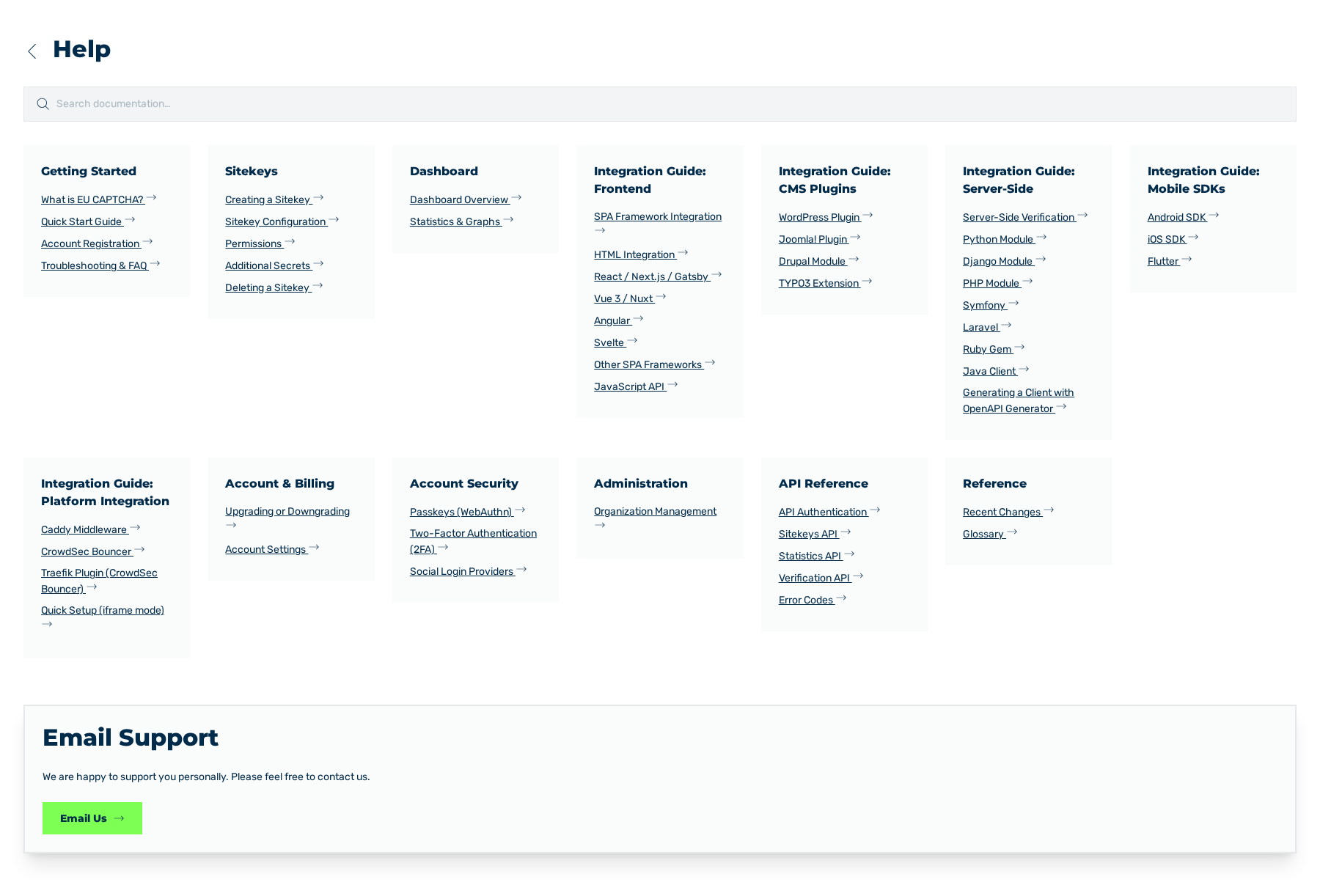
Help view
The Help view goes to the documentation and to the support. To open the view, use the Help & Support entry of the sidebar.
The Help view and the access to support
Search
At the top, a search field with the Search documentation… placeholder is shown. The search examines the documentation and shows the hits below the field. To select a hit, use the arrow keys and the enter key.
The search field is also available in the header of the customer portal.
Topic cards
The view divides the documentation into cards. These cards are available:
| Card | Contents |
|---|---|
| Getting Started | Introduction, quick start, registration, troubleshooting, and FAQ |
| Sitekeys | Creation and management of sitekeys |
| Dashboard | Key figures and analyses |
| Integration Guide: Frontend | Embedding in frontend frameworks |
| Integration Guide: CMS Plugins | Extensions for CMS platforms |
| Integration Guide: Server-Side | Server-side verification |
| Integration Guide: Mobile SDKs | Embedding in mobile apps |
| Integration Guide: Platform Integration | Embedding in proxies and gateways |
| Account & Billing | Account and billing |
| Account Security | Security of the account |
| Administration | Management of the organization |
| API Reference | Description of the endpoints |
| Reference | Reference work |
Support
At the bottom, the Email Support card is shown. The card contains the We are happy to support you personally. Please feel free to contact us. text and the Email Us button. The button opens an e-mail to eucaptcha.support@myrasecurity.com.
The support is available in each plan.
See Plans tab.