Reset password
If the password is lost, you request an e-mail through the login page and set a new password with the link in it. The account stays as it is.
The following requirements are met:
- ☑ You have access to the mailbox of your e-mail address.
Proceed as follows to reset the password:
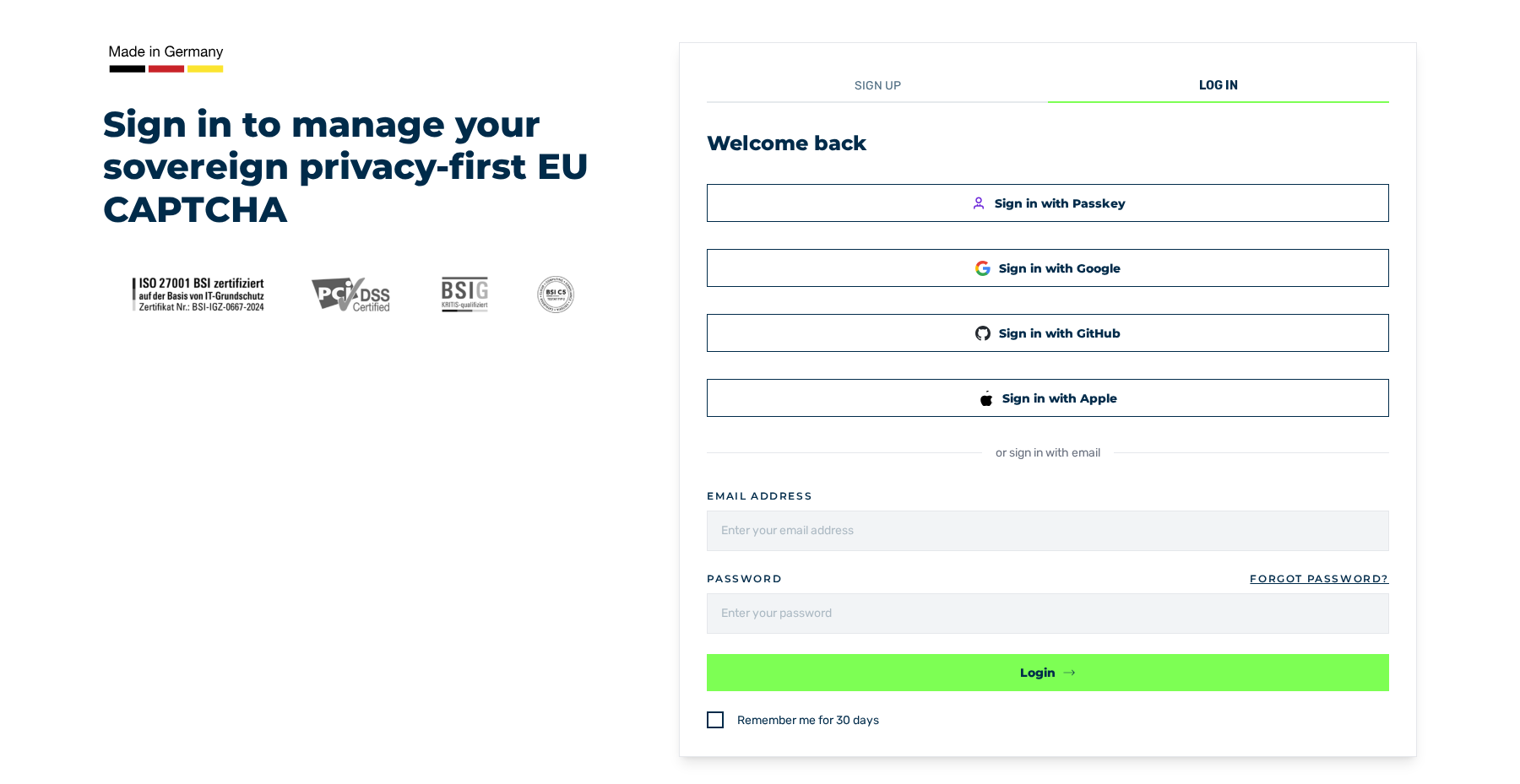
Welcome back view
- ► Open the login page of the customer portal.
- ► Click on the Forgot Password? link.
- ↳ The Reset Password view opens.
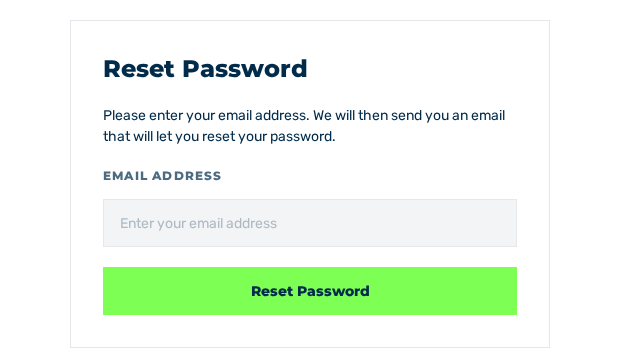
Reset Password view
- ► In the Email address field, enter your e-mail address.
- ► Click the Reset Password button.
- ↳ The Reset Password Mail Sent! view opens. If the address is registered, the system sends an e-mail with a link to the given address. The link is valid for 15 minutes.
- ► Follow the link in the e-mail.
- ↳ The Reset Password view opens with the fields for the new password.
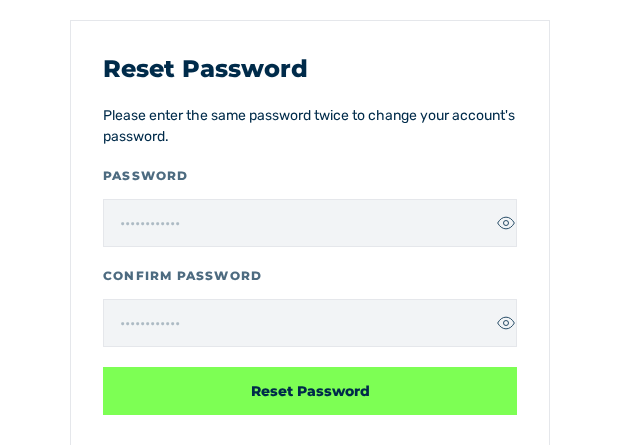
Reset Password view with the Password and Confirm Password fields
- ► Enter the new password in the Password field.
- ► Enter the same password in the Confirm Password field.
- ► Click the Reset Password button.
- ➔ The system sets the password, shows the You have successfully reset your password message, and shows the login page. Log in with the new password. The reset logs you out on all devices and cancels a change of the e-mail address that is still open.
Welcome back view
Fields
These fields are available:
| Field | Contents |
|---|---|
| Email address | E-mail address of the account |
| Password | New password. A button shows and hides the entry. |
| Confirm Password | Repetition of the new password |
After the dispatch, the system gives the note to also examine the spam folder. The Back to Login button goes back to the login.
Messages
During the reset, the following messages can occur:
| Message | Cause | Remedy |
|---|---|---|
| Reset Password Mail Sent! | The system shows this view whether the address is registered or not. | Examine the mailbox and the spam folder. If no e-mail arrives, then examine the address or create an account. |
| Passwords do not match. | The two inputs do not match. The message stands below the Confirm Password field, and the Reset Password button stays locked. | Enter the same password in both fields. |
| Your password reset link has expired. Please request a new one. | The link is older than 15 minutes. | Request a new e-mail. |
| Invalid token. | The link is invalid. | Request a new e-mail. |
| Email address not found. | No account exists for the e-mail address in the link. For example, the e-mail address of the account was changed after the dispatch. | Request a new e-mail to the current e-mail address of the account. |
From one IP address, the system accepts a maximum of 100 requests in one minute. This limit applies to the registration and to the request for a password reset e-mail together. The system refuses more requests with the 429 Too Many Requests status code. Wait 60 seconds before you request the e-mail again.
Note
For the new password, the same requirements apply as at the registration. See Password policy.
See Log in.