Integration
Integration view
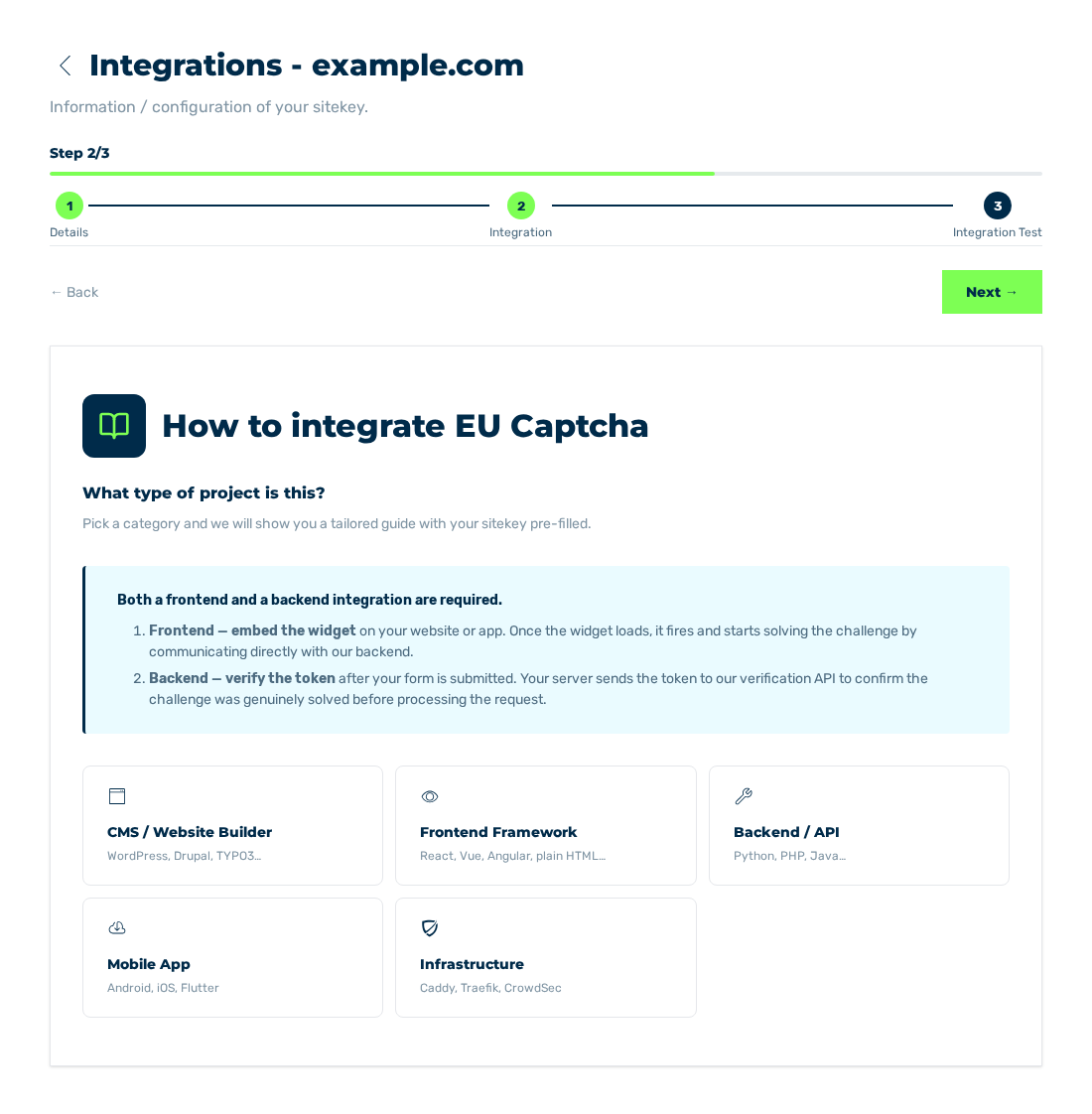
Below the How to integrate EU Captcha title, the Integration view goes through the embedding. You select the platform of your website. The wizard shows the applicable guide with the sitekey of this entry.
The Integration view and the selection of the platform
Categories
The wizard gives these categories:
| Category | Worked examples |
|---|---|
| CMS / Website Builder | WordPress, Drupal, TYPO3 |
| Frontend Framework | React, Vue, Angular, plain HTML |
| Backend / API | Python, PHP, Java |
| Mobile App | Android, iOS, Flutter |
| Infrastructure | Caddy, Traefik, CrowdSec |
After you select a category, the wizard shows the technologies of this category. For platforms without a related library, an entry for the embedding with HTML and the REST API is available at the end of each list.
Guide
For the selected technology, the wizard shows the steps in areas that can be opened. The guide contains the public sitekey of the open entry. Thus you can use the examples without changes.
The wizard saves the selected technology with the sitekey. When you open the view again, it shows the guide of this technology immediately. The ← Change selection button goes back to the selection of the category and discards the saved selection. The Esc key does the same in the guide. With the Read access tier, the selection is not saved.
Related to the technology, the wizard also tells you that the other part of the integration is still missing:
- For frontend technologies, the note about the server-side verification.
- For backend technologies, the note about the embedding of the widget.
Note
The protection starts only when the two parts are set up: the widget in the page and the verification of the token on your server.
The full instructions of this online help are given in Integration.