Integration Test
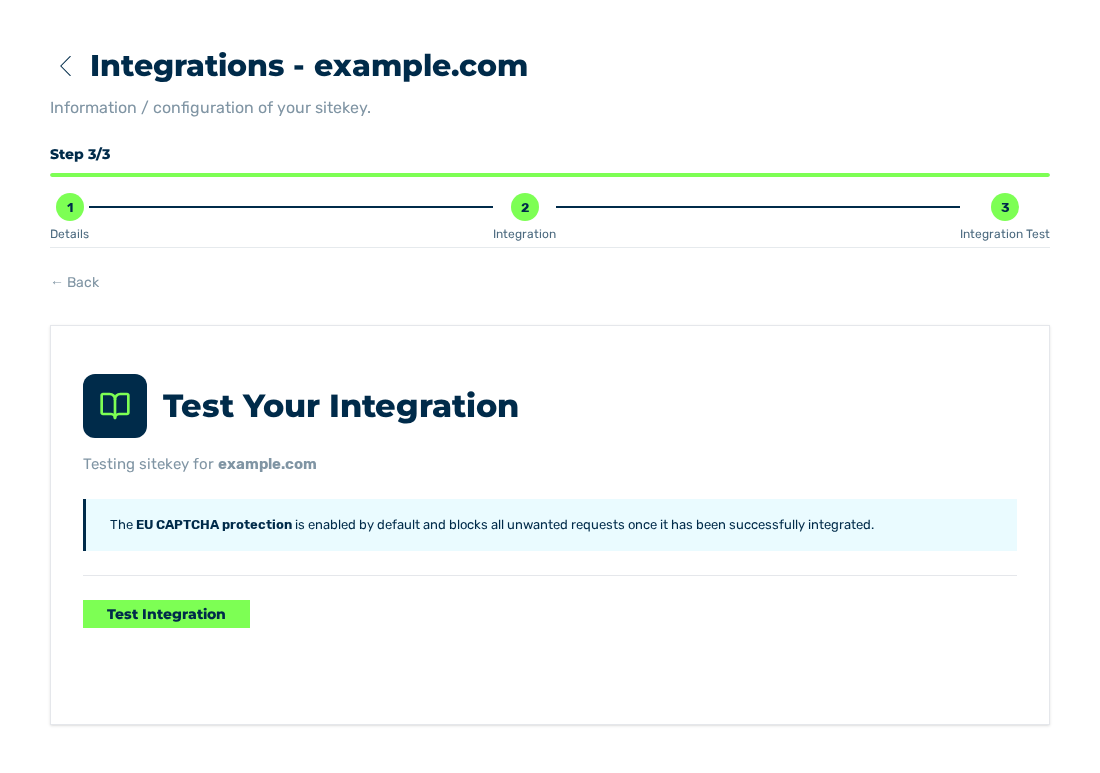
Integration Test view
Below the Test Your Integration title, the Integration Test view examines if the widget loads on your page, and if your server verifies the token.
Below the title, the Testing sitekey for
State of the protection
A note about the EU CAPTCHA Protection switch is above the test:
| State of the switch | Note |
|---|---|
| On | The EU CAPTCHA protection is enabled by default and blocks all unwanted requests once it has been successfully integrated. |
| Off | The EU CAPTCHA Protection switch is disabled (train: true). The note also says that the sitekey accepts all traffic, even when the steps are successful. |
Sequence
The Test Integration button starts the test. The view then shows two steps, each with a state marker:
| Step | Meaning |
|---|---|
| 1. Widget detected | The widget requested a challenge after the start of the test. During the test, the Visit a page where your widget is installed and complete a challenge note is below the step. |
| 2. Backend verifies token | Your server verified a token after the start of the test. During the test, the Submit the form on your site to trigger your server's verify call note is below the step. |
The second step starts only after the first step is successful. Each step waits a maximum of 60 seconds.
The result has one of these values:
| Result | Meaning |
|---|---|
| Fully Integrated | The widget loads, and the server-side verification occurred. |
| Widget is working but your server didn't verify the token. | The widget loads, but the server-side verification is missing. The note goes to the description of the server-side verification. |
| Widget not detected. | The widget was not detected. The note goes to the instruction for the widget. |
The Test again button is below the result. It starts the test again.
The test examines the activity of the sitekey after the start of the test. Thus, open the protected page and send the form during the test.