Deleting passkeys
The Delete Passkey(s) button removes all passkeys of the account at once. Single passkeys cannot be deleted.
The following requirements are met:
- ☑ You are logged in to the customer portal.
- ☑ At least one passkey is created for your account.
Proceed as follows to delete all passkeys:
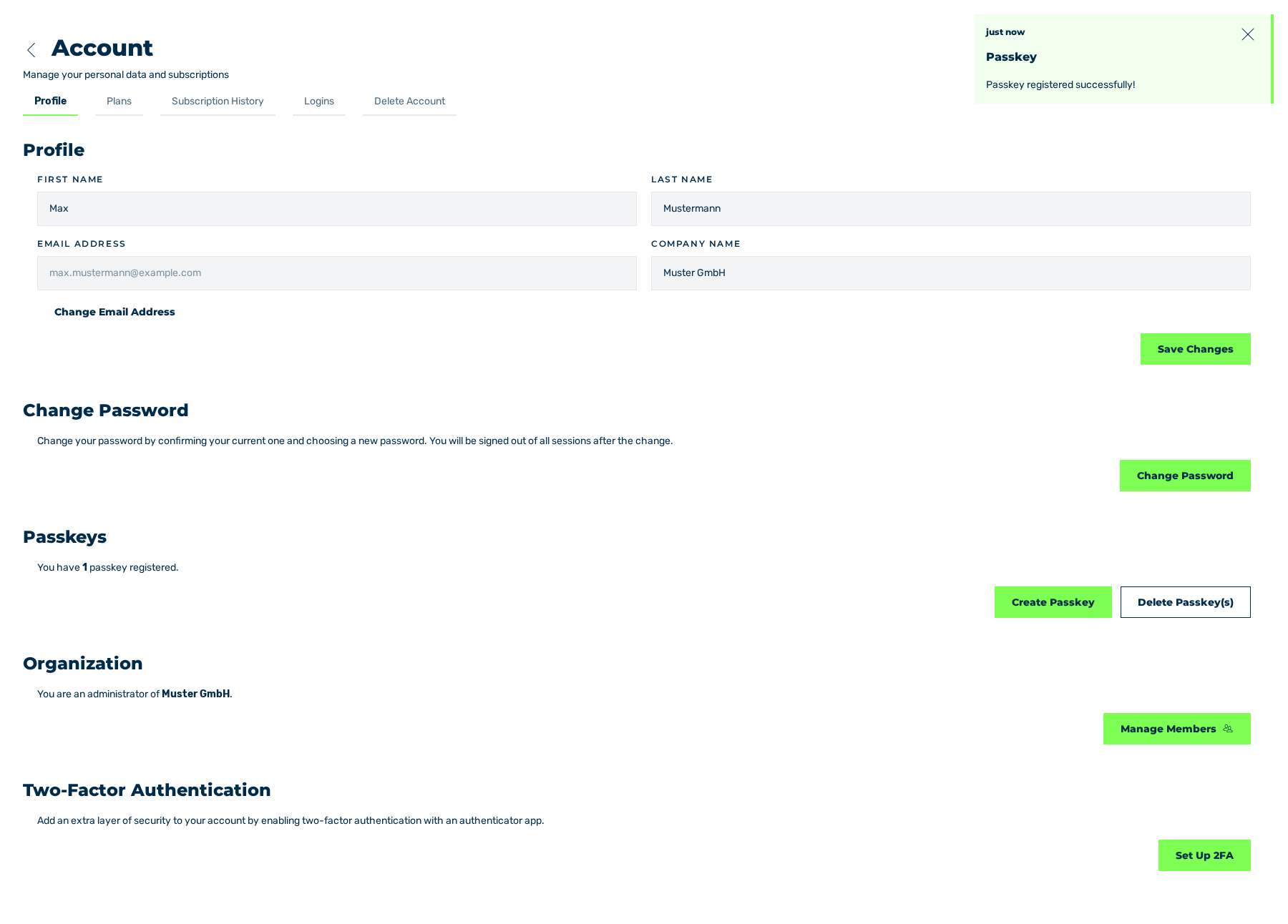
Profile tab with the passkey that was created
- ► In the sidebar, open the Account › Profile entry.
- ► Click on the Delete Passkey(s) button in the Passkeys area.
- ➔ The system deletes all passkeys and shows the All passkeys have been deleted. message.
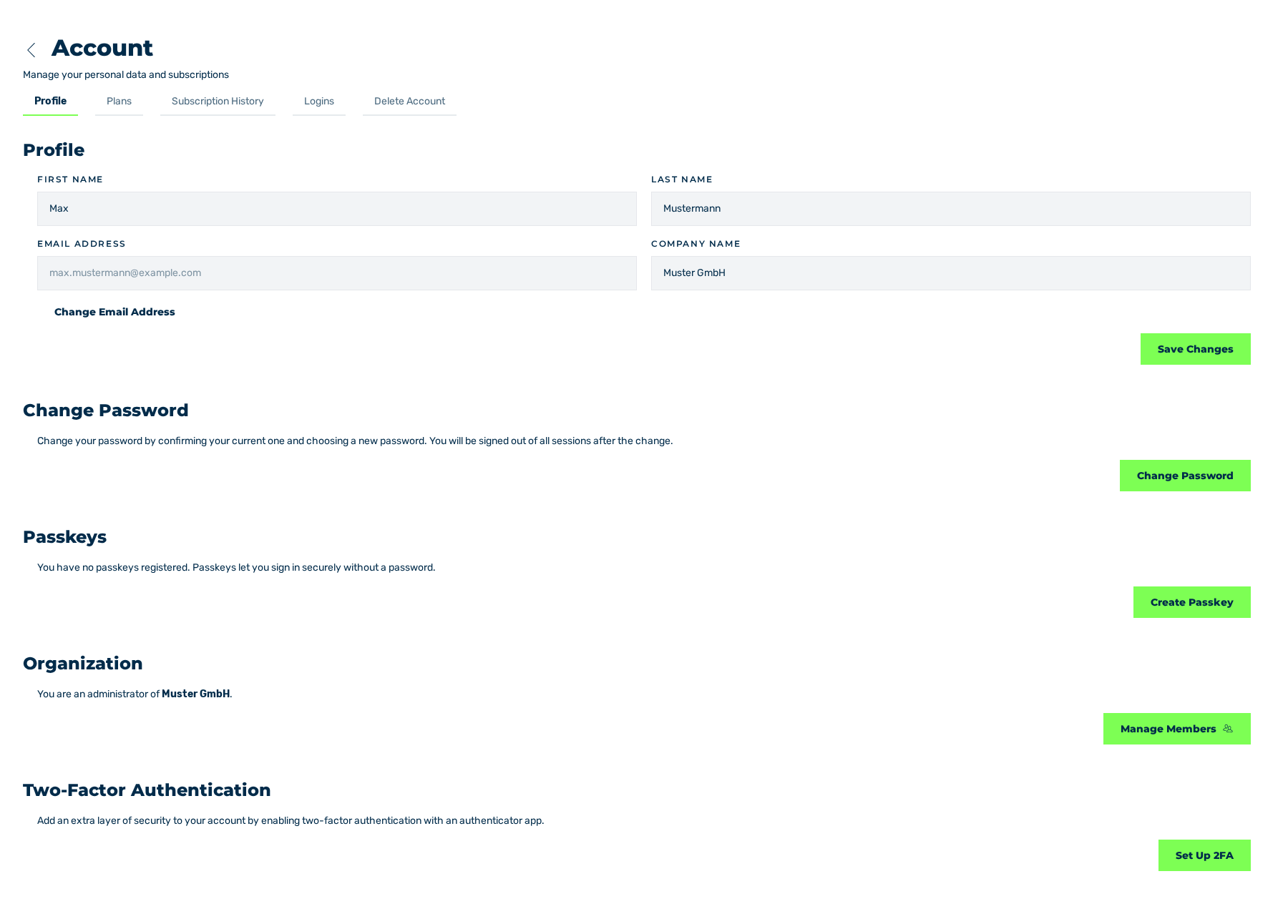
Profile tab without passkeys
The Delete Passkey(s) button appears only with the first passkey that is created.
Attention
After the deletion, the login with a passkey is not possible any more. Log in with the e-mail address and the password or through a provider.
See Create a passkey.