Creating site key
After the creation of your account and subscribe a plan, the Dashboard view opens and allows you to create your first site key to use the EU CAPTCHA to secure your website.
Proceed as follows to create a site key:
-
Navigate to the New Site key area.
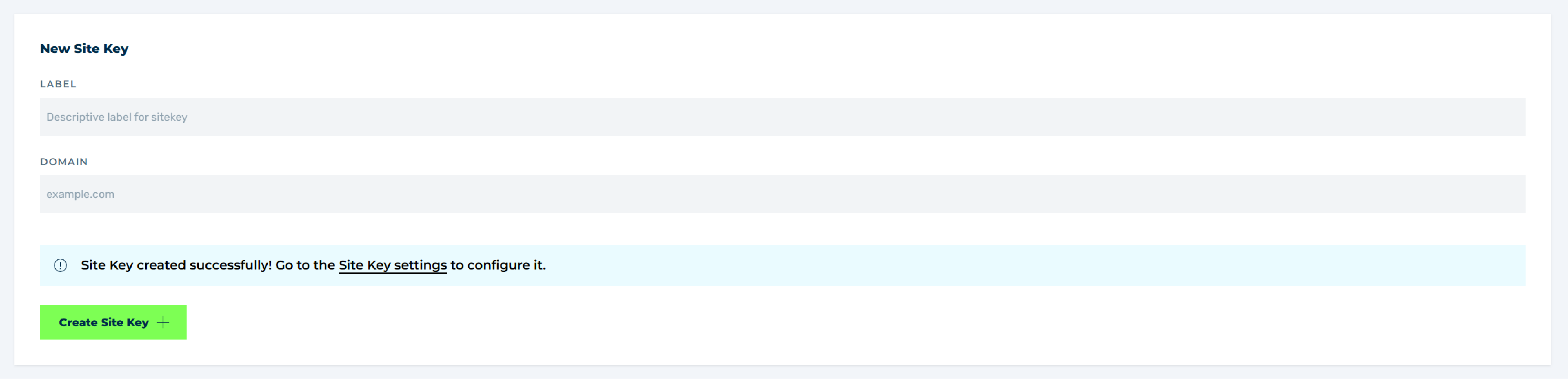
Create first site key
-
Enter under the LABEL field a unique site key name for easy identification.

A domain or subdomain can have multiple site keys. To better identify the purpose of using multiple site keys for a domain or subdomain, a unique name must be assigned. We recommend a name that accurately describes the manner of use.
-
Enter under the DOMAIN field a domain or subdomain, which you want to protect with the captcha.
-
Click on the Create Site Key button.
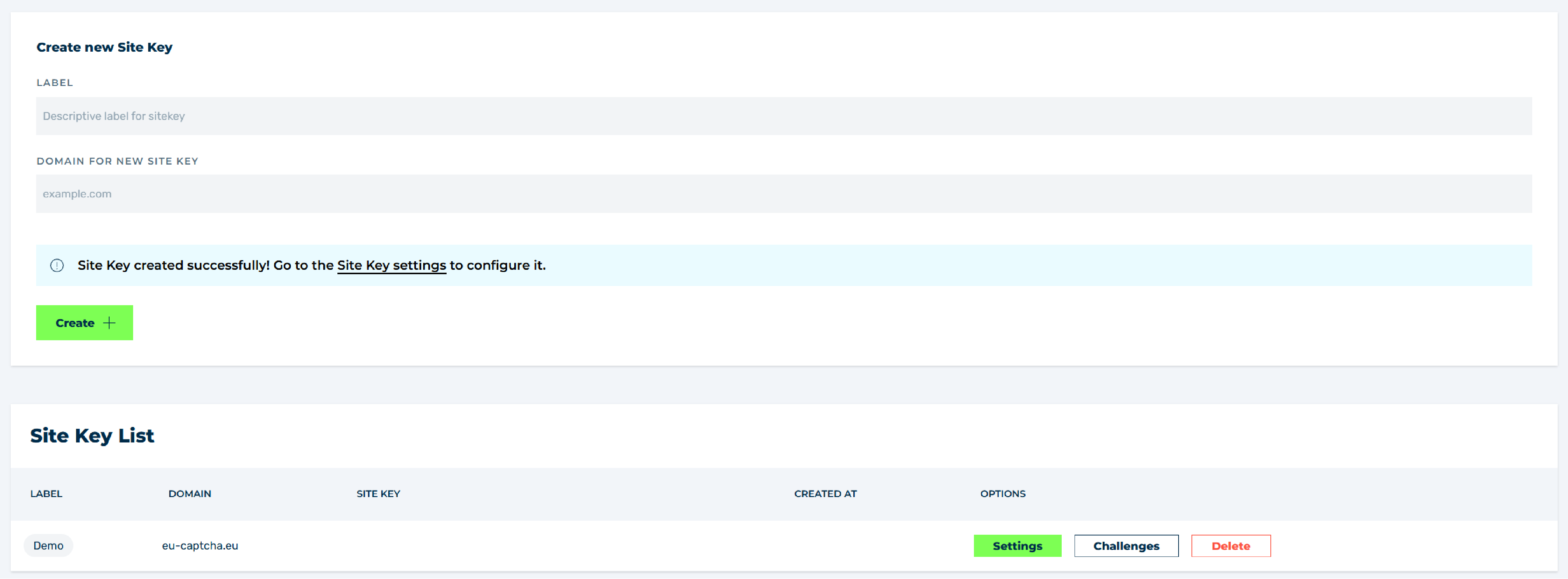
Site key was created
-
A message confirmed the successful creation of the site key and show you a direct link to the Integration tab in the Site Keys view.